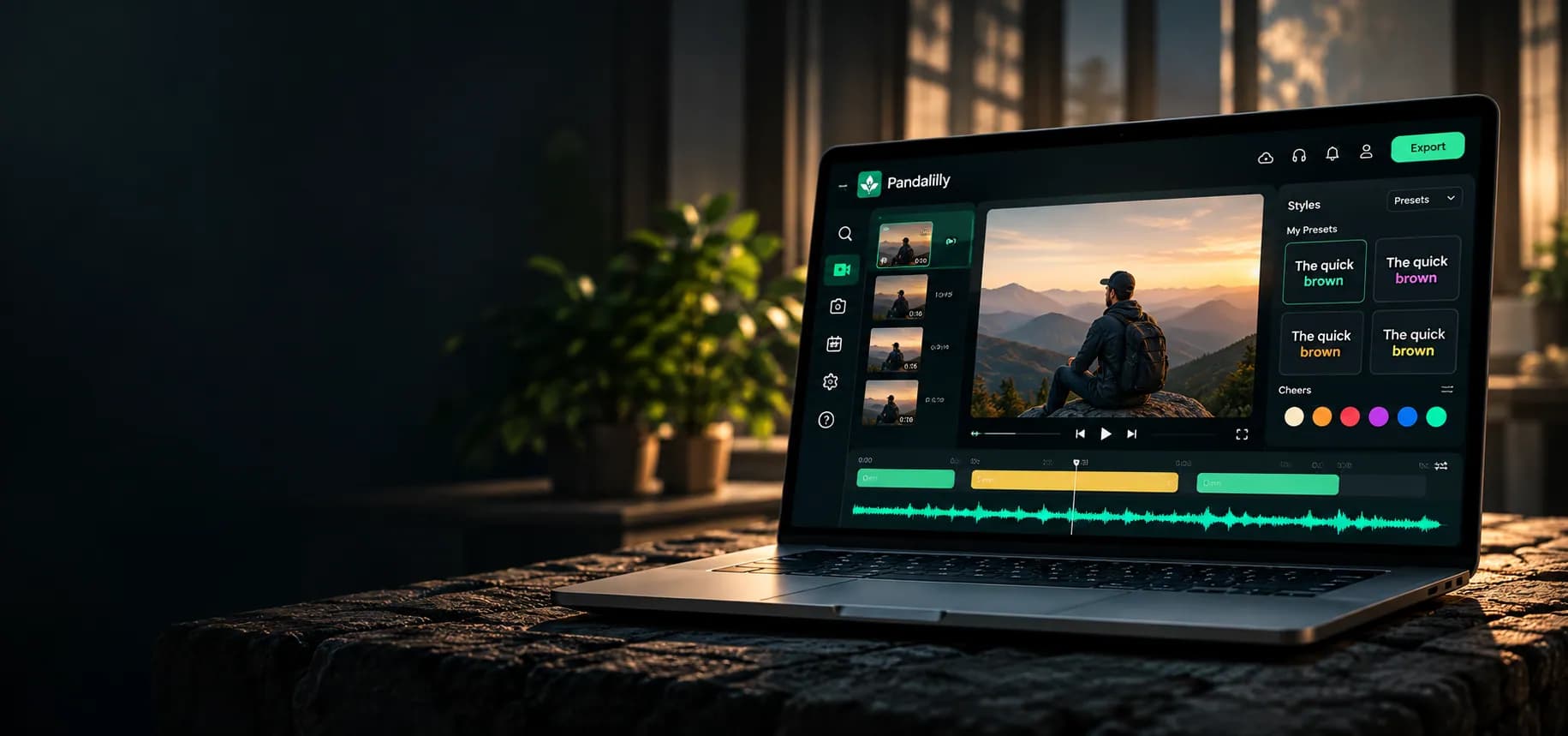
Your words.
Beautifully
captioned.
Turn your videos into beautifully captioned content with AI. Accurate, editable and designed for every platform.
 TikTok
 Instagram Reels
 YouTube Shorts
 YouTube
 LinkedIn
 X (Twitter)
From video
to captions. In minutes.
Upload
Drop in your video (MP4, MOV, WebM and more).
Customise
Edit the captions, choose styles and make it yours.
Export
Download for any platform in the resolution you need.
- Instagram Reels9:16
- TikTok9:16
- YouTube Shorts9:16
- YouTube16:9
Everything your video says, in one place.
Captions, highlights, text, sound, dubs and clips all start from your transcript — edit the words and everything follows.
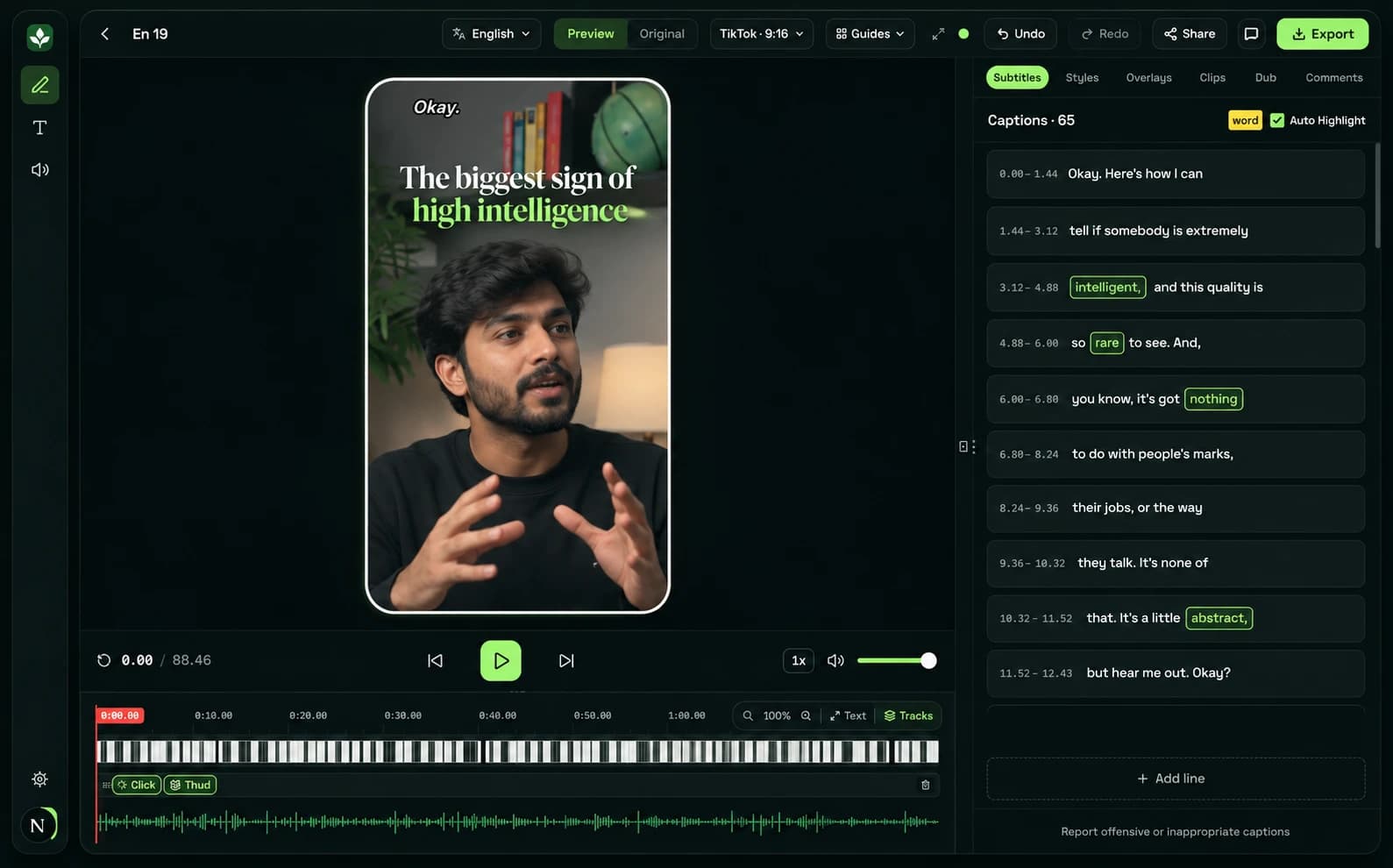
- Word-by-word captions
- AI-highlighted key words
- Text overlays
- Sound effects
- Dubbing
- Clips
- Comments
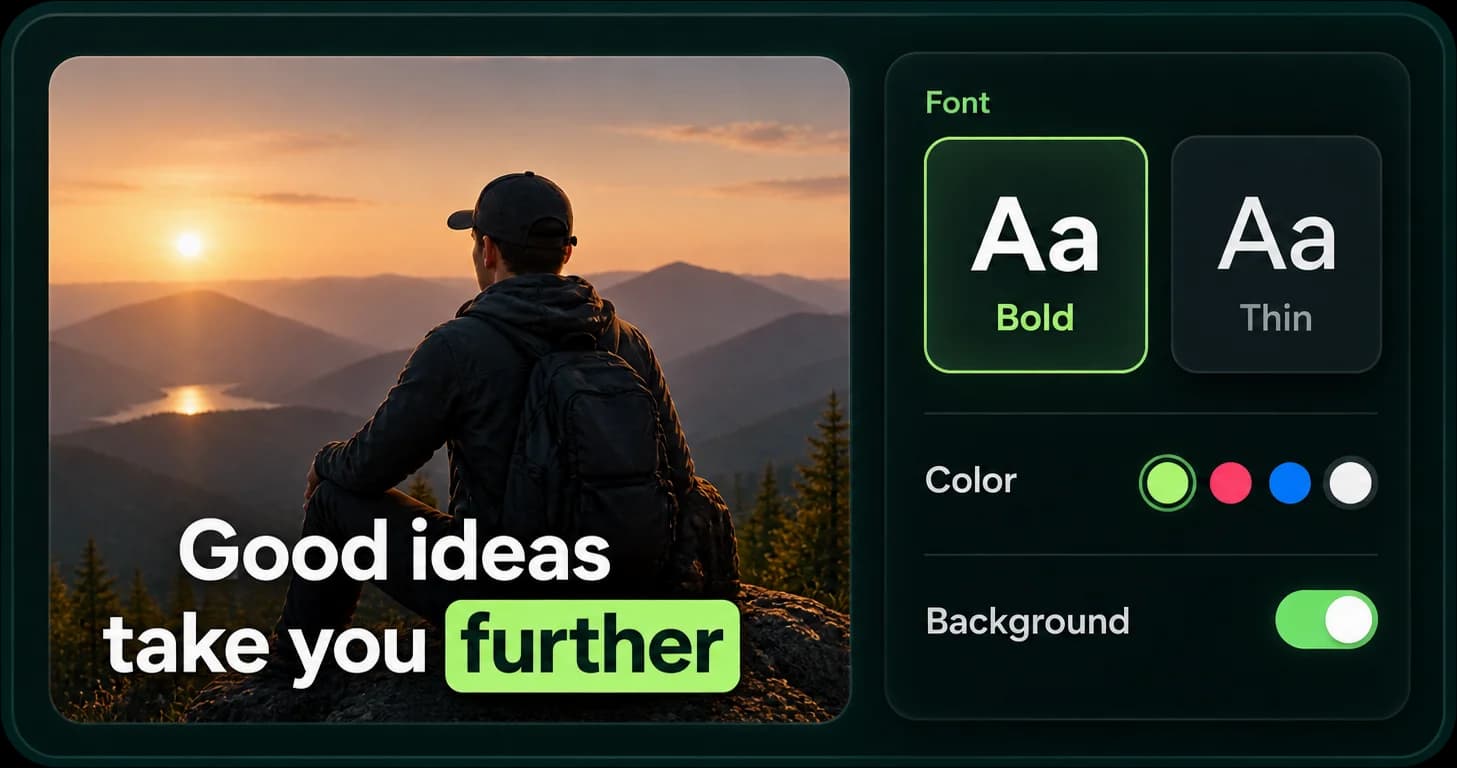
Make captions that feel like you.
Choose from beautiful presets or customise every detail — fonts, colors, animations and more.
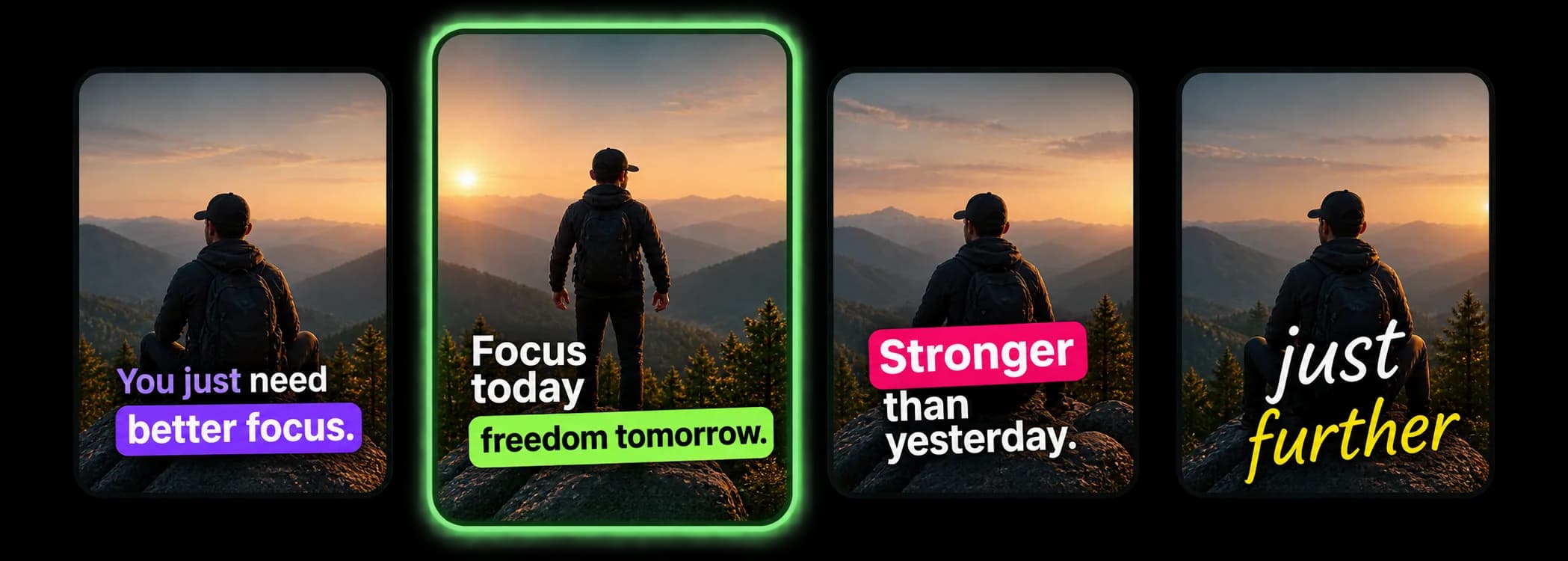
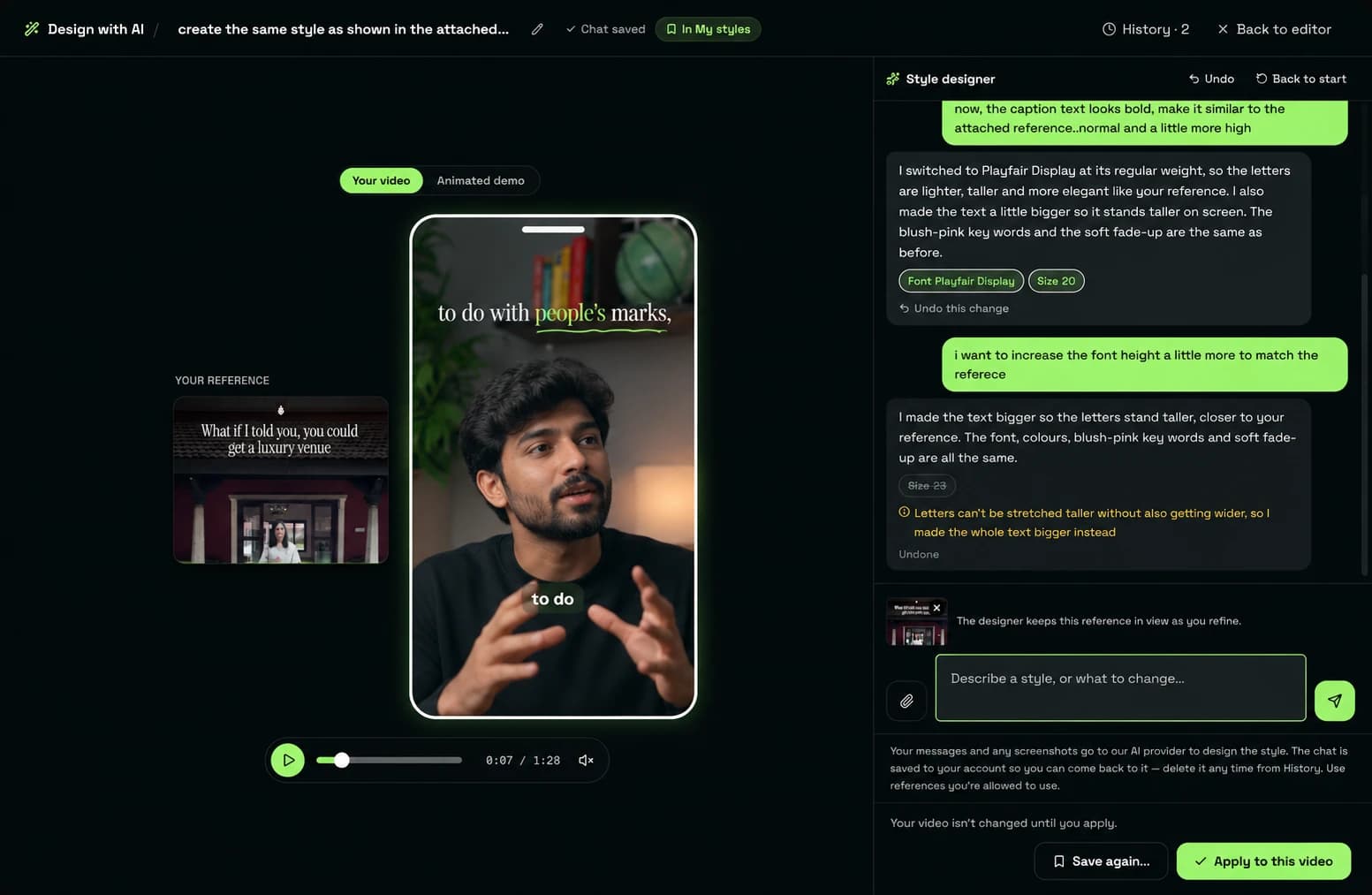
Describe a look. See it on your video.
Can’t find the right preset? Tell the AI style designer what you want, and keep talking until it’s exactly yours.
- Describe it in plain words
“Luxury gold serif, elegant” or “bold yellow-to-orange gradient caps” — the designer builds it live on your own video.
- Match a look you love
Drop in a screenshot or a short clip of captions you like and get the closest style, then refine it by chatting.
- Keep it as your style
Save the result to My styles and reuse it on every video. Nothing changes until you apply it.
AI does the heavy lifting.
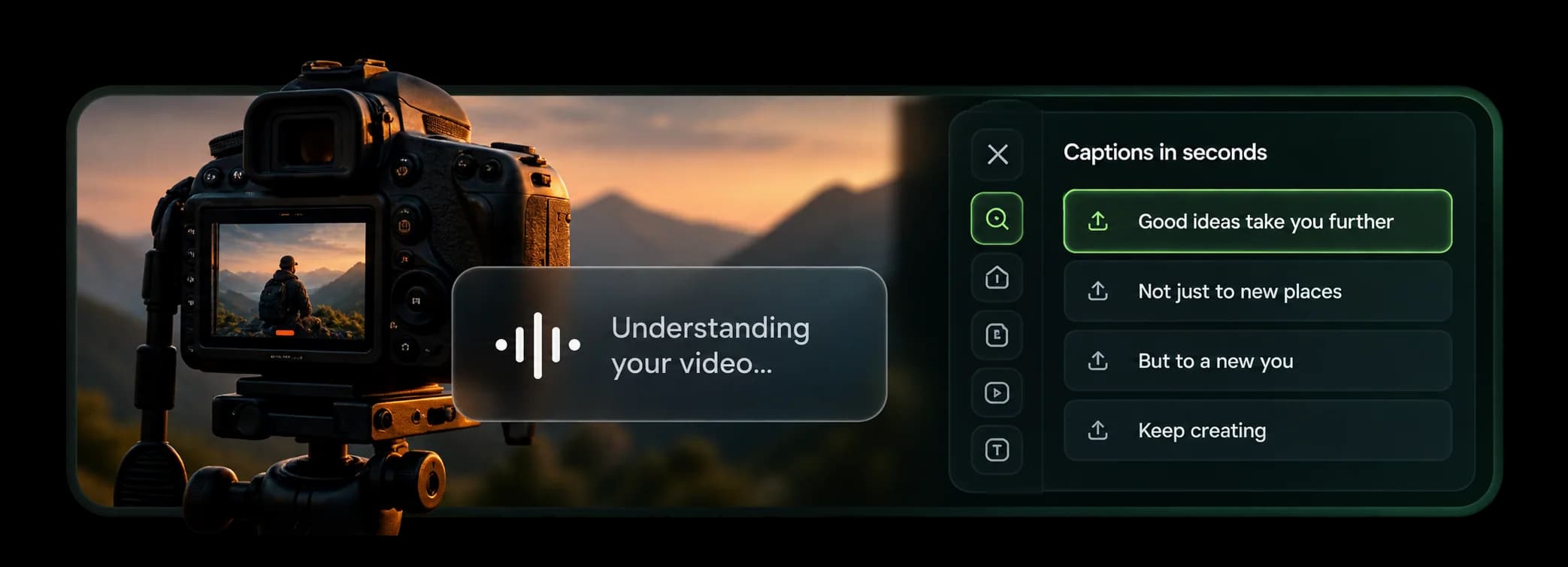
Get accurate captions with word-level timestamps, so you can edit, style and perfect them in minutes.
- High accuracy
- Word-level timing
- Easily editable
Make the key moments hit harder.
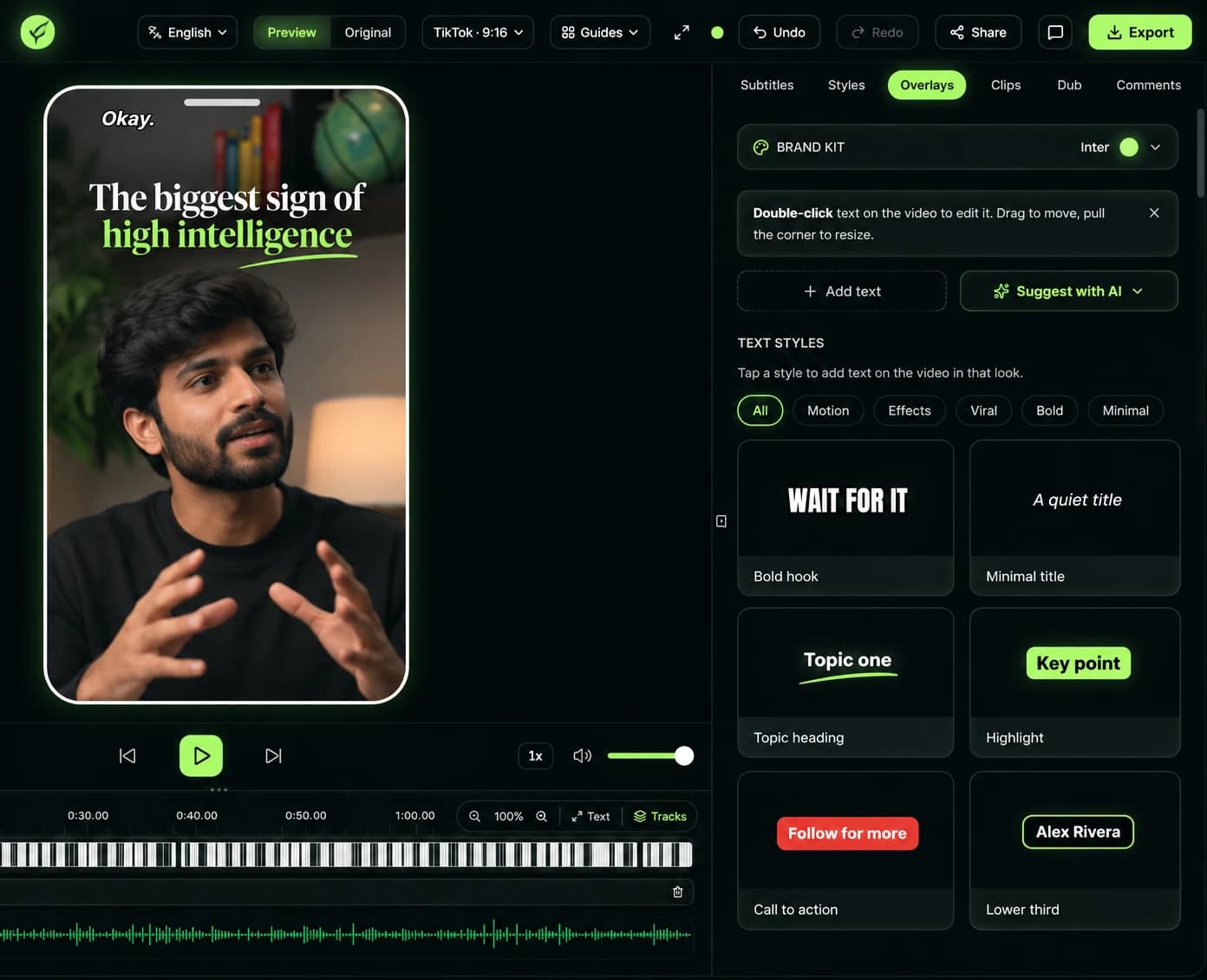
Put the words that matter on screen, right when they’re said.
- Suggested from what you say
AI reads your transcript and suggests hooks, titles and callouts at the phrases that matter.
- Ready-made text styles
Bold hooks, topic headings, key-point highlights, lower thirds and calls to action — tap one to add it.
- Your brand on every text
Set your font and colours once in the Brand kit and every overlay wears them.
- Sound on the exact word
Drop a click or a thud onto a word and it lands right as it’s spoken. On Creator and Pro.

Your voice doesn't have to stay in one language.
Create captions in multiple languages, including popular Indian languages.
Two at once: add a translated second line under your captions, so every viewer can follow along.
- English
- हिन्दी
- తెలుగు
- ಕನ್ನಡ
- മലയാളം
- தமிழ்
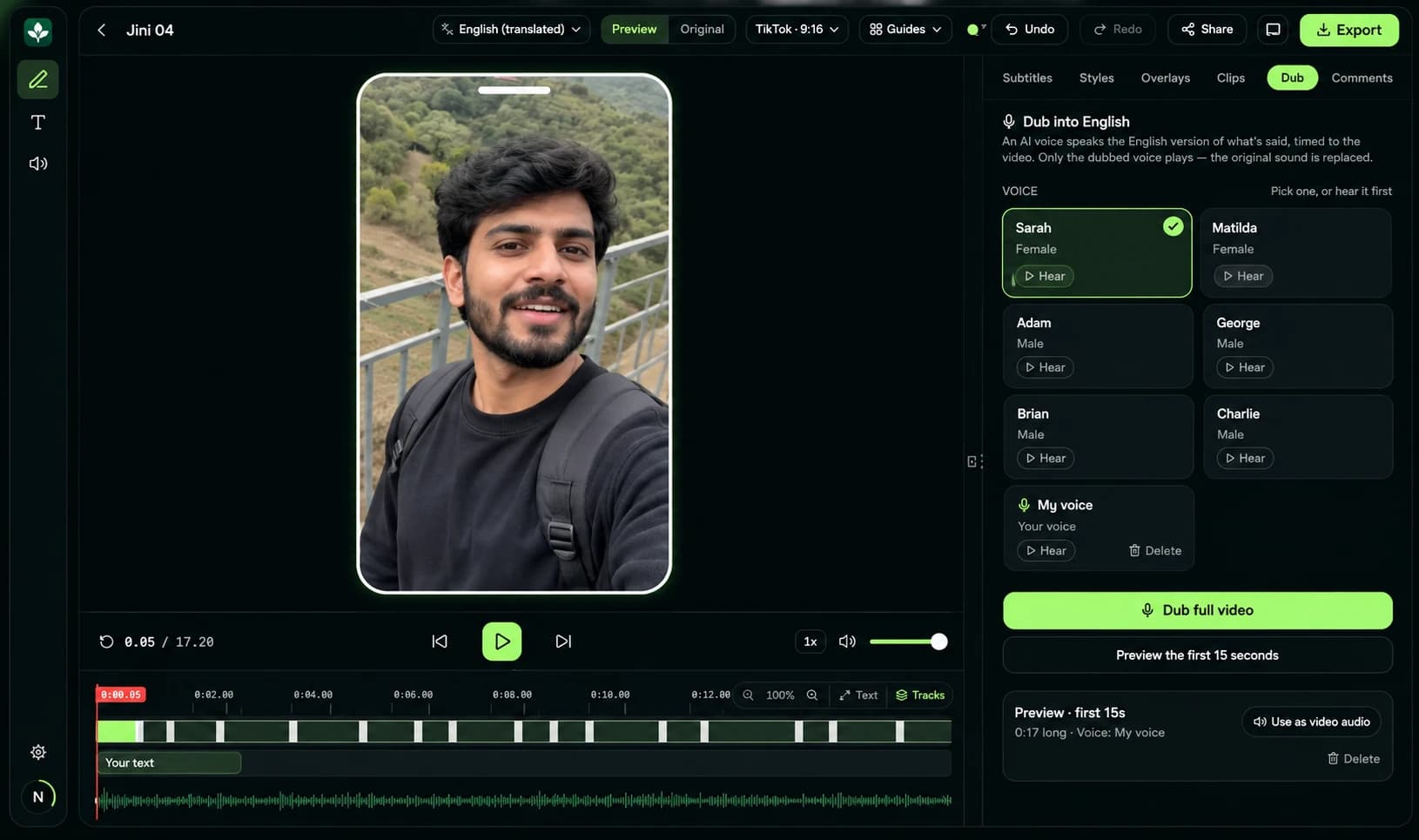
Say it in Tamil or Hindi. Be heard in English.
Reach viewers beyond your language without re-recording a single word.
- Dub Hindi or Tamil into English
Turn a Hindi or Tamil video into English with a natural AI voice. Hear a short 15-second preview before you spend a full dub, then edit the English lines and re-voice them.
- Dub in your own voice
Record a short sample, give your consent, and your dubs speak in a voice cloned from yours. You can also invite someone to record theirs through a private link. Voice cloning is on paid plans.
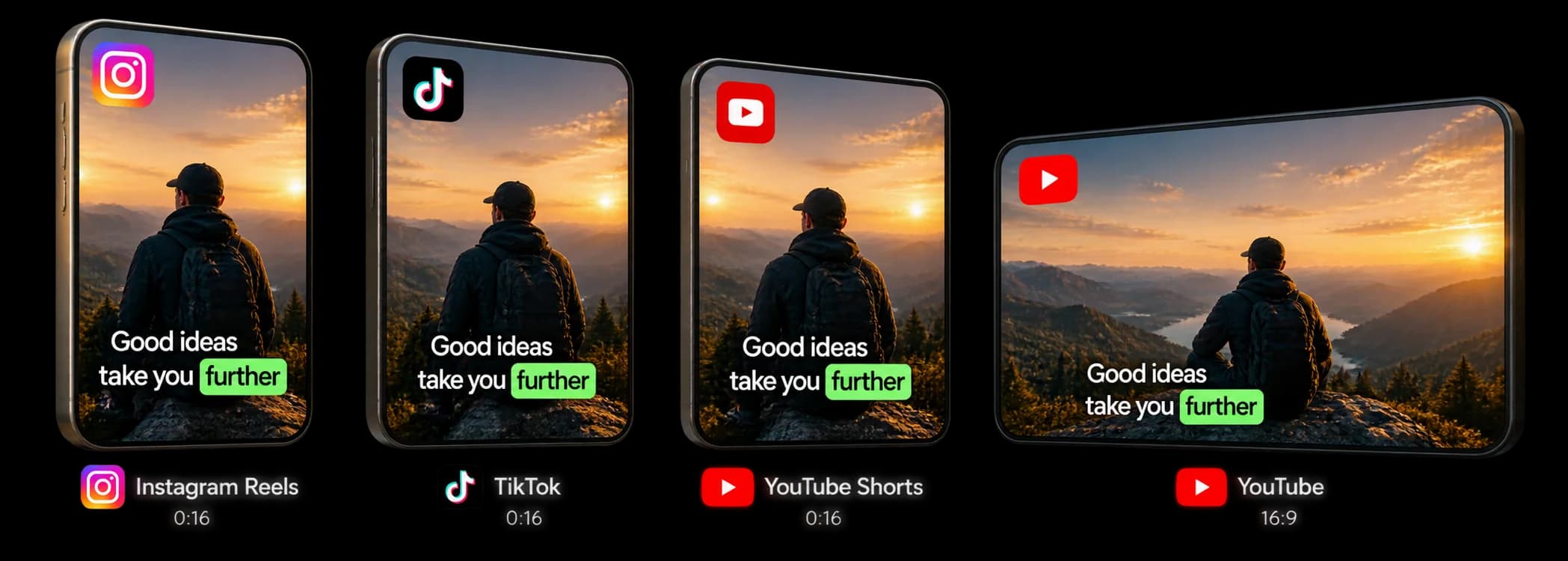
Captions that stay visible.
Built-in safe zones, aspect ratios and guides for every platform so your captions look perfect on mobile, always.
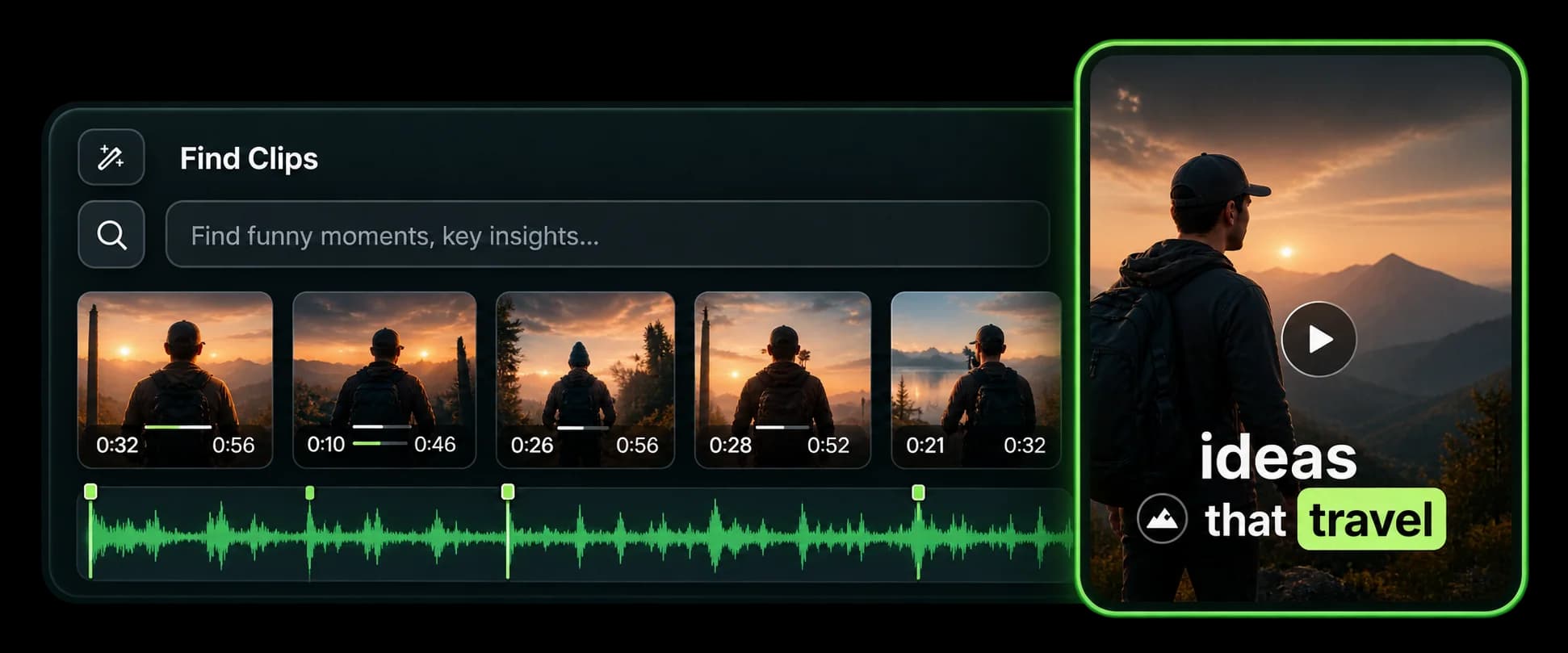
Turn long videos into short, shareable clips.
Let AI identify interesting moments from your videos and turn them into short clips with captions.
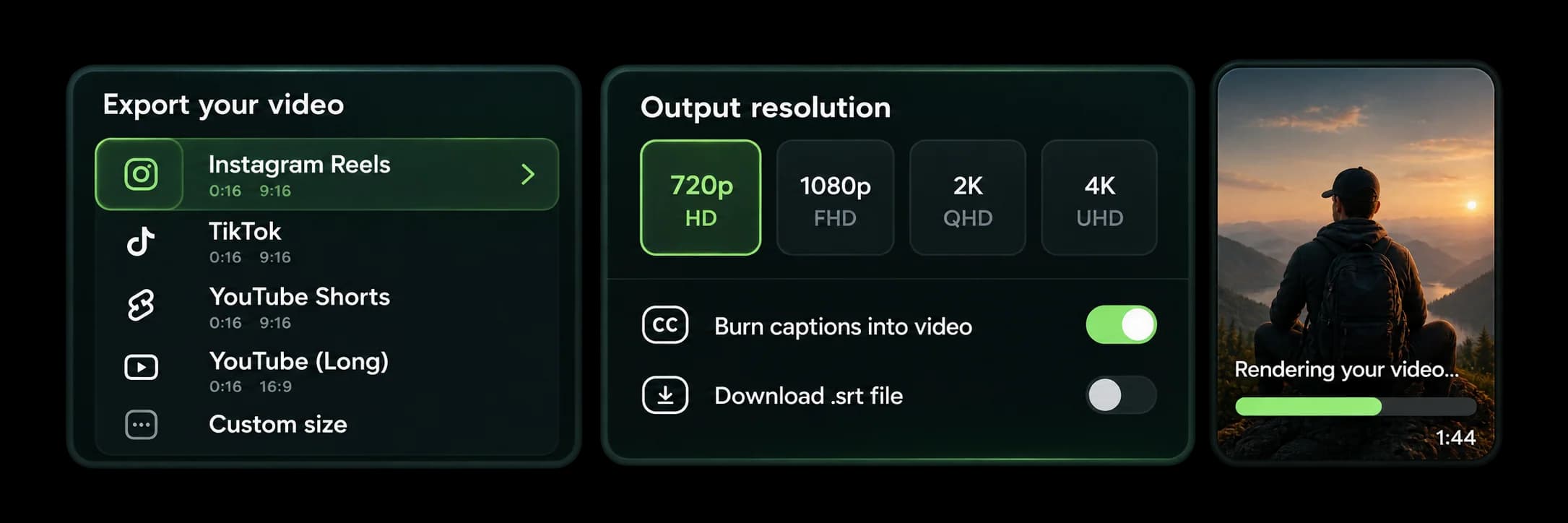
One video.
Ready for everywhere.
Export in multiple formats and resolutions for all major platforms.
Small things that save you hours.
Clean up speech
Spots “um”, “uh” and long pauses, and removes the fillers from your captions in one step.
Subtitles and transcripts
Download .srt or .vtt subtitles, or the transcript as Word, text or Markdown — no video export needed.
Share and review
Share a project with your team or client and collect comments right in the editor.
My styles
Save any caption look you build and reuse it on every new video.
Edit like a document
Fix any word right in the caption list — the word-by-word timing stays in sync.
Undo anything
Every change can be undone and redone, so it’s always safe to try something new.
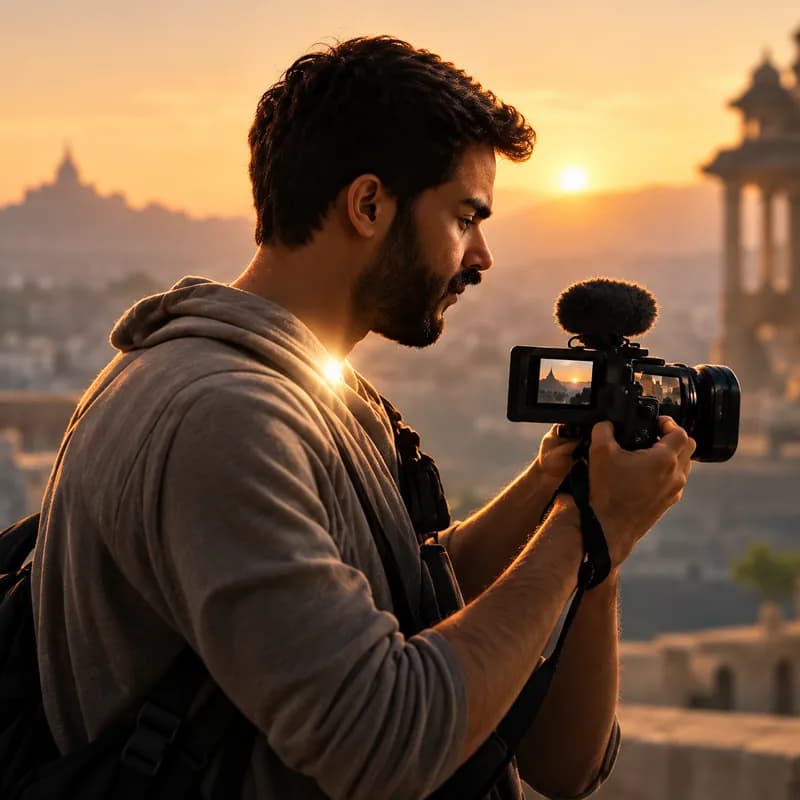 Content Creators
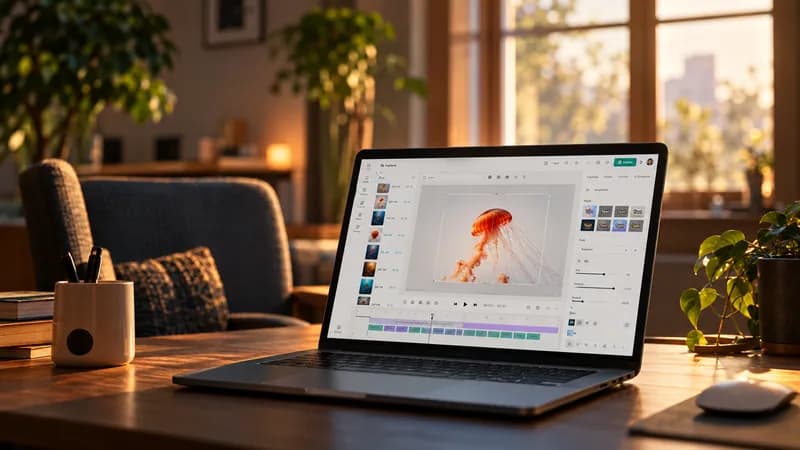 Educators
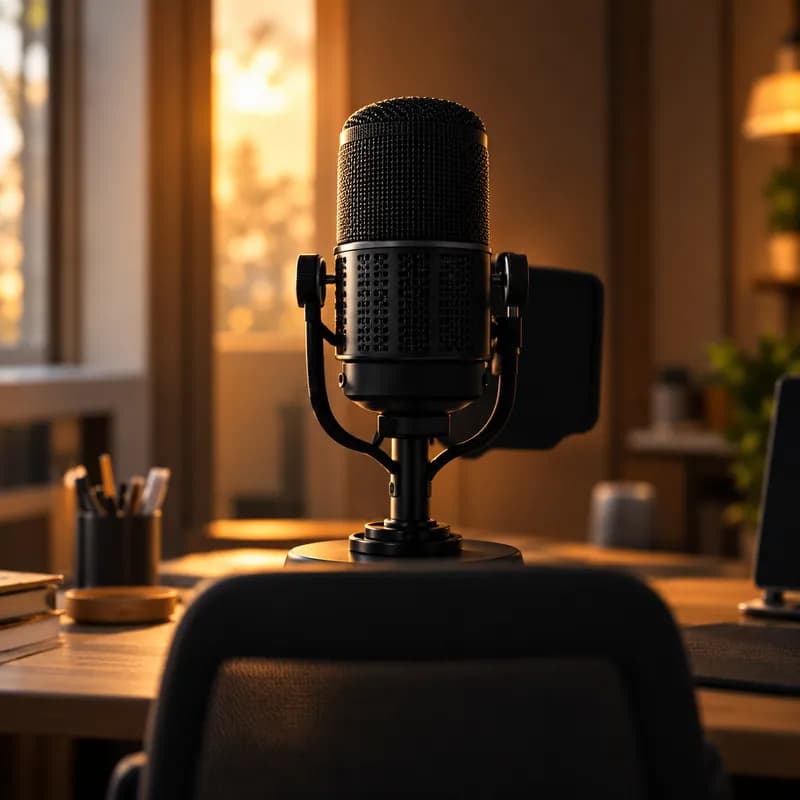 Podcasters
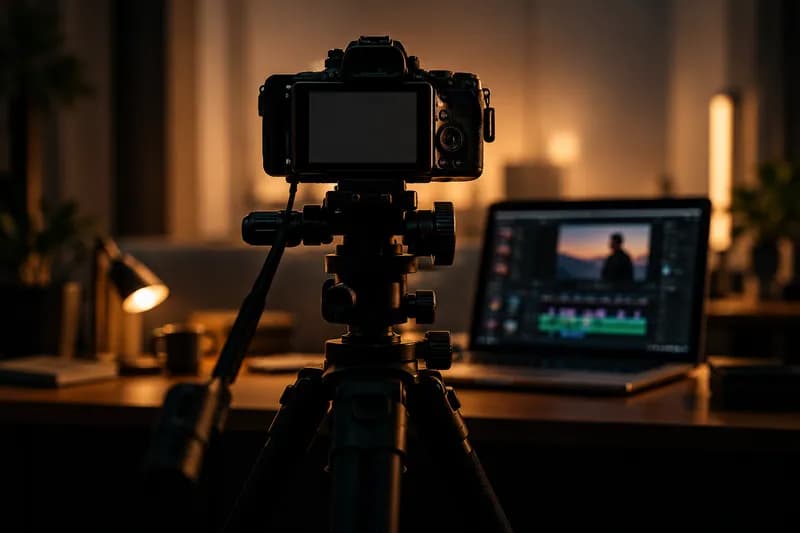 Businesses
Whether you teach, create, or build a brand — Pandalilly helps your message reach more people.
Start free.
Grow when you need more.
Every plan includes word-accurate captions in six languages and every caption style. Upgrade only when you need more minutes, longer videos or sharper exports.
Cancel anytime

Your videos
deserve better captions.
Turn your videos into beautifully captioned content and share them with the world.